Loading your history…
Creative Compass
Stop waiting to feel ready.
Just show up and film.
Creative Compass gives you a guided filming experience — prompt by prompt — so you stop overthinking and start showing up on camera with confidence.
7-day free trial · Cancel anytime
Sign in
We'll send you a magic link + a 6-digit code — use whichever's easier.
Be seen. Be heard. Be authentically you. 💛
📩
Check your email!
We sent a magic link + a 6-digit code to .
Tap the link on desktop — or enter your code below if you're on the app.
One moment…
Checking your account.
Start filming today
Built to help you hit record —
8 prompts, one session, YouTube video done.
7-day free trial, then $8/month.
Cancel anytime.
My Sessions
Your customised filming sessions
Creative Compass
Be seen. Be heard. Be authentically you.
Welcome — let's set you up. ✨
Just two questions. We save your answers so you never have to repeat yourself.
How do you like to film?
Find what works for you — you can always change this later.
Talking Head
Beginner ✦
Just you and the camera. Simple, powerful, direct.
Interview Style
Beginner ✦
Answer questions like chatting with a friend. No lens pressure.
Behind the Scenes
Beginner ✦
Personal brand storytelling. A phone is all you need.
Tutorial / Screen
Intermediate ✦✦
Teach while showing your screen or slides.
Action / Show It
Intermediate ✦✦
Film while doing what you teach. Great for coaches.
Hybrid + Slides
Intermediate ✦✦
Talking head intro, then slides or screen for the teaching.
You were made to share your message. Let's make it easy. 💛
Creative Compass
What are you filming today?
Where are you today?
Pick the level that matches how you feel right now — you can change it any time.
Beginner
Just show up & talk
8 questions you answer naturally. No script. No pressure.
Intermediate
Guided with structure
Prompts that walk you through a clear arc — still in your own words.
Advanced
Anchor points & free flow
Short phrases to return to between genuine moments. Room to breathe.
Hints adapt to your filming style —
Your YouTube video topic
What's your next video about? One sentence — Creative Compass builds the rest. 8 prompts, one complete structured video, ready to film.
One fresh topic a day — come back tomorrow for a new one.
or film for your community
✨ Journey & Community Prompts
Guided prompts for your internal journey — show up in the community, build connection, and grow with every video you post.
Premium — themed packs
VIP ✦ — Elfina live
Preparing your session…
Just a moment — you've got this. 💛
🎬
Director's note — read before we roll
Once you start filming, don't go back or leave the page — you'll lose your entire take.
🎬
Ready to film?
📽 Camera Check
🎙
checking…
Check your frame, lighting, and mic — then call it.
1 of 9
PROMPT 1
…
Recording
🎬
Your clips
Review each answer and save the ones you want to your device.
🎬 That's a wrap!
📼
Wrap protocol — save your footage first
Once you leave this screen, your recording is gone. Save your video before you do anything else.
Film once. Get a library.
Save the full video for YouTube — or split it into 8 clips ready to post as Shorts, Reels, and TikToks.
✨ Auto-trimming your handles…
This takes about as long as your video — preview will update when ready.
This takes about as long as your video — preview will update when ready.
Ready for Shorts and Reels
Need help with editing?
Save your video first — don't lose that content. Then join VIP to access Day 4 of 5 Videos in 5 Days and Elfina's complete filming framework. Join VIP →
Play the clip — set your in and out points
Start
0.0s
End
—
Scrub to a moment, then tap "Set here" to mark your in or out point.
Trimmed your clip here — ready to post. Want to add graphics, transitions, or polish? Join VIP for Day 4 of 5 Videos in 5 Days →
Any takes to leave out?
Tap a clip to exclude it from your saved clips. The full video is always saved as-is.
🎬
Before you film
A few quick things from Elfina to help you get the most out of every session.
📹
Film it all — don't stop and restart
Keep rolling even if you stumble. You fix it in the edit. The best takes often come after a mistake.
👁️
Read → pause → look → speak
Read the prompt, take a breath, look directly at the camera lens, then answer. That pause is your power.
✂️
Give yourself handles — this matters.
Pause 2–3 seconds before and after each answer. When you're done, Creative Compass will auto-trim your handles on the full video, and you'll also get to trim each of your 8 clips individually to cut any unwanted takes. Handles = clean cut points.
From Elfina
TIP
…
You just filmed a video.
Be seen. Be heard. Be you.
Now edit, add captions, and post.
Done is always better than perfect — and you showed up today. 🎉
You're helping others 💛
A short video review from you could give someone else the courage to show up on camera. 30 seconds. One question. It means the world.
🎥
Before you record
Two things to check first:
📵
Close any calls or camera apps
If another app is using your camera (FaceTime, Zoom, etc.) it won't work here. Close it completely first.
📱
Your camera captures more than you see
The preview is portrait, but your review plays back in landscape — so more of the background will be visible to viewers. Tidy the space behind you just in case.
🎬
BLOOPER REEL
Oops — this one's going in the blooper reel.
Something went wrong behind the scenes.
We're sorry for the interruption — we'll get it in editing.
📎 Attach a screenshot (optional)
Select multiple
Spotlight Squad ✦
You earned this.
You finished Lights Camera Confidence — and Creative Compass is your reward.
You're getting it first, before anyone else in the community. This is exclusive, it's limited, and it's yours.
Use it. Film. Show up. This is exactly what you trained for. 💛
Creative Compass
Choose your plan
Your director in your pocket. Cancel anytime.
Already a paid community member? Manage your tier in the community → — your app access is included there, so you won't pay twice.
0:00
Tap to start recording
My Account
🎬
—
—
—
My filming profile
Niche
—
Audience
—
Filming style
—
Pre-filming tips
Show tips before each filming session
Membership
Community
🌿 Connect inside the community
→
5 Videos in 5 Days
Your complete filming programme
Work through one day at a time. Each day builds on the last — by Day 5 you'll have filmed, edited, and posted your first batch of videos.
🏁 Start Here
Accountability + orientation
Welcome + Accountability Template
Video + resource
Day 1 — Brainstorm It 🧠
4 lessons + coaching call · Content pillars, ideas, filming style
1.1 Brainstorm It
Video + resources
1.2 Brain Dump It
Video + prompt sheet
1.3 Find Your Filming Style
Video + guide
Day 1 — Live Coaching Call
Replay + community post
Day 2 — Script It 📝
2 lessons + coaching call · Voice, structure, authenticity
2.1 Script It
Video + worksheet
2.2 Draft Revisions
Video + worksheet
Day 2 — Live Coaching Call
Replay + community post
Day 3 — Film It 🎥
7 lessons + coaching call · Setup, lighting, audio, confidence
3.1 Film It Intro
Video + tech list + confidence boost
3.2 Filming with Script Lines
Video
3.3 Filming with Script Notes
Video
3.4 Lighting
Video
3.5 Cameras
Video
3.6 Audio
Video
3.7 Before You Hit Record
Video + confidence boost
Day 3 — Live Coaching Call
Replay + community post
Day 4 — Edit It 🎞️
6 lessons + coaching call · Workflow, storage, timeline
4.1 Edit It Intro
Video + workflow checklist
4.2 Storage
Video
4.3 Folder Setup
Video
4.4 Import, Export, Single Track
Video
4.5 Multiple Tracks
Video
4.6 Checklist + Q&A
Video
Day 4 — Live Coaching Call
Replay + community post
Day 5 — Post It 📲
4 lessons + coaching call · Scheduling, platforms, momentum
5.1 Post It Intro
Video + checklist
5.2 Post Scheduling
Video
5.3 Posting to App
Video
5.4 Post It Finale
Video — you did it!
Day 5 — Live Coaching Call
Replay + community post + share your wins
🎬 Set Your Scene
Elfina's set design framework · 9 lessons
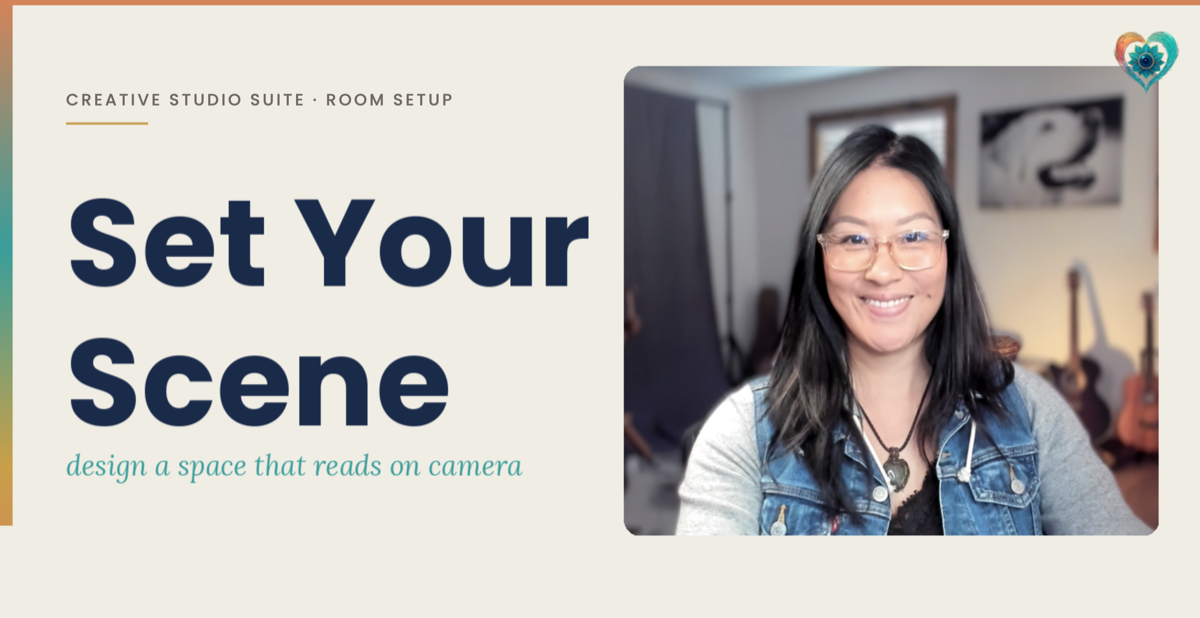
Your set is an extension of your brand. Learn the framework that turns any room into cinematic — Light · Depth · Frame · Plate.
✨ Your Authentic Glow
Elfina's makeup-for-camera method · 9 lessons
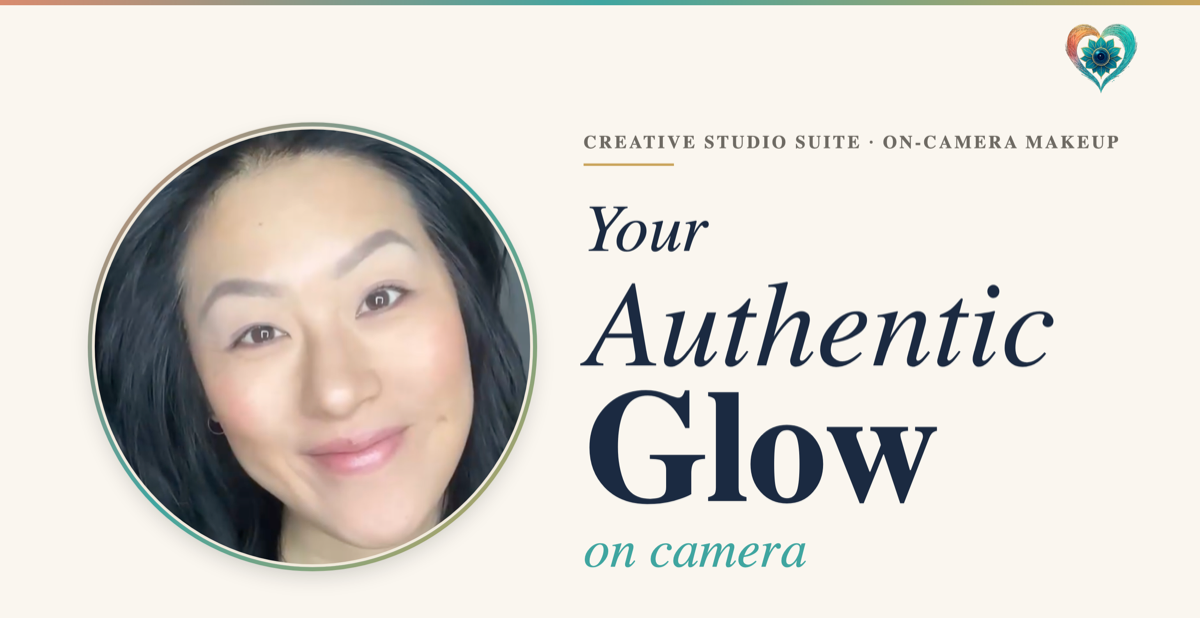
After 20 years in the makeup chair on 200+ sets — the camera doesn't see what the mirror sees. Nine short lessons to make your face read on camera at every age, without painting a new one.
Admin
Elfina only
📋 Skool Member Import
Export your full Skool member list as CSV and upload here. The system will add new members, update changed tiers, and cancel anyone no longer in the list.
CSV must include an email column. Include a tier, membership, or level column to set tiers — otherwise everyone defaults to Community.
🧪 Test Screens
🎬 Video Reviews
Loading reviews…
Community Reviews
Real members. Real results. 💛
Prompt Library
Curated by Authentically You
Themed Packs — 10 videos each
100 Creator Prompts
VIP Voice Journey — 288 prompts
More in your Studio
💛 A safe space to be seen
Post each video in the Authentically You community — a safe space to be seen and work on your visibility. You're not doing this alone — you're alongside others on the same journey. Being witnessed in your process is what unlocks real confidence.
Creator Studio
Authentically You by Elfina Luk
Niche Clarity
Creator Studio · Day 1
Answer these 6 questions and I'll write your niche statement, profile, and 3 content angles.
ICP Clarity
Creator Studio · Day 1
Define your ideal customer profile — the real person you're making every video for.
Content Pillars
Creator Studio · Day 1
4 questions. 5 personalised content pillars — the foundation of every video you create.
Hook Generator
Creator Studio · Day 2
Your hook is the most important 3 seconds of your video. Generate 10 scroll-stopping variations — test them, pick your winner, and go.
R.E.E.L. Script Builder · Day 2
Real. Engaging. Emotional. Language.
Built on Elfina Luk's 20+ years of storytelling expertise
Workshops
Replays · Premium & VIP
Behind the Scenes
With Elfina Luk · Premium & VIP